Samsung Official vs Unofficial Phone - How to Identify and Key Differences
Samsung Official vs Unofficial Phone - How to Identify and Key Differences
Samsung is the most popular smartphone brand in Bangladesh. However, many unofficial Samsung phones (grey market) are available at lower prices. This guide helps you identify official Samsung phones and understand the differences from unofficial ones.
What is an Official Samsung Phone
Official Samsung phones are imported by authorized distributors like Edison Technologies, Fair Electronics, or Transcom. These phones feature:
- Official 1-year manufacturer warranty
- Original Samsung accessories
- Proper regional software (Bangladesh version)
- Full Samsung Knox security features
- Timely One UI and security updates
- Access to authorized Samsung service centers nationwide
What is an Unofficial Samsung Phone
Unofficial Samsung phones are imported from other countries (India, China, UAE, etc.). They come with:
- No official Samsung warranty (shop warranty only)
- May have fake or generic accessories
- Different regional software (Indian, Chinese, etc.)
- Samsung Knox may be compromised
- No or delayed software updates
- No access to Samsung service centers
How to Identify Official Samsung Phone
Method 1: Samsung Members App
Official Samsung phones have the Samsung Members app pre-installed. Open the app and go to Support > Phone Care > Battery. If the app works properly, the phone is likely official.
Method 2: Samsung Official Website
Visit Samsung's official warranty check page. Enter your phone's IMEI number. If the page shows warranty status and your model, it is official.
Method 3: Check the CSC (Country Specific Code)
Dial *#1234# on your Samsung phone. Look for the CSC code. Official Bangladesh phones have codes ending in "BGD" or specific Bangladesh codes.
Method 4: Check the Charger
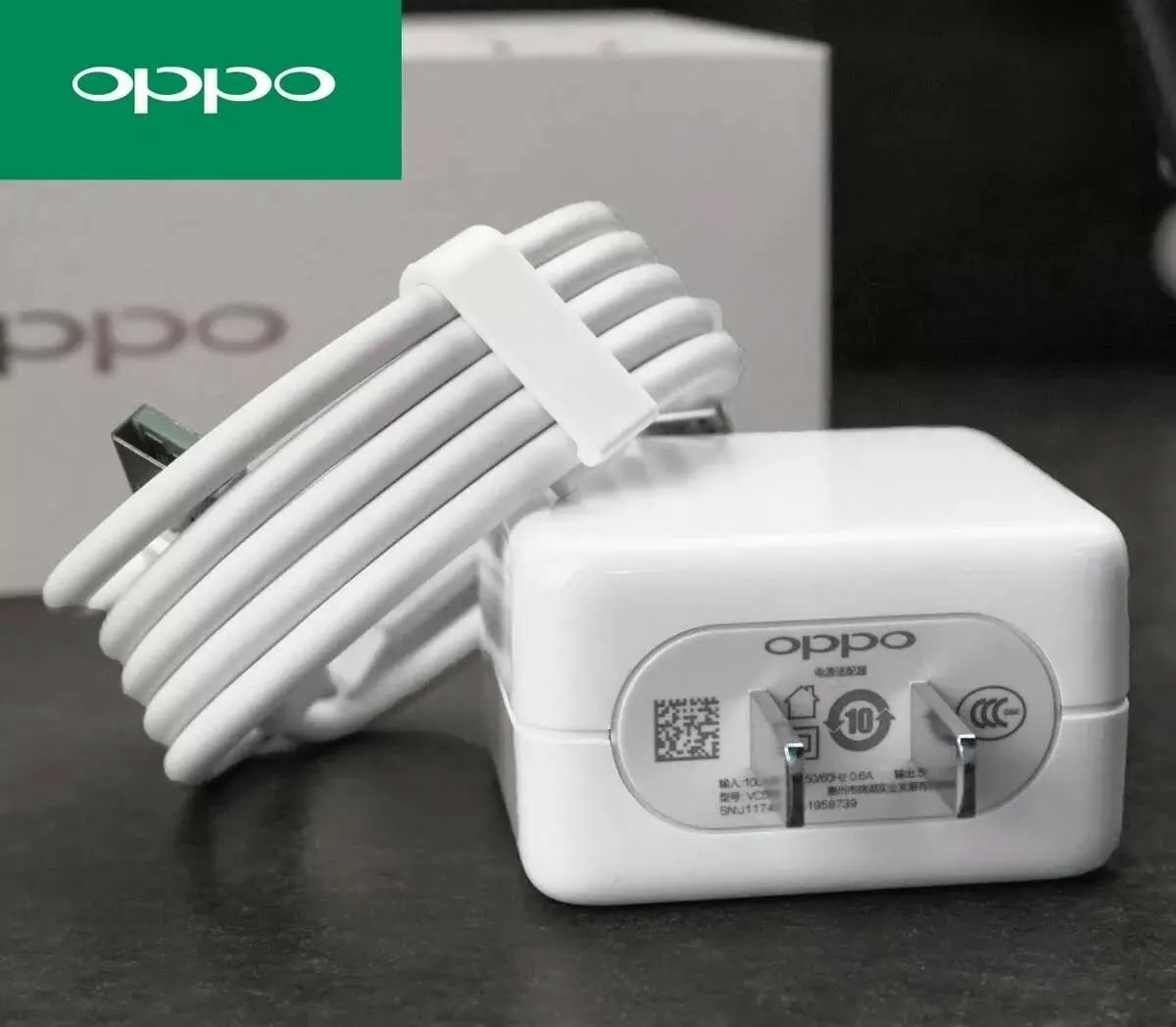
Official Samsung chargers have specific model numbers (EP-TA800 for 25W, EP-TA845 for 45W). The charger should have Samsung branding and certification logos.
Method 5: Visit Samsung Service Center
Take your phone to an authorized Samsung service center. They can instantly verify if the phone is official and has warranty.
Differences at a Glance
| Feature | Official Samsung | Unofficial Samsung | Warranty | 1 year manufacturer warranty | Shop warranty (30-90 days) | Software Updates | Regular OTA updates (4 years OS) | No updates or delayed | Samsung Knox | Fully functional | May be compromised | Samsung Pay | Works | Usually doesn't work | Service Center Access | Yes, nationwide | No | CSC Code | Bangladesh code (BGD) | Other country code | Samsung Members App | Full functionality | Limited or not working |
|---|
| Model | Official Price (BDT) | Unofficial Price (BDT) | Difference | Buy Official | Galaxy A06 | 14,499 | 13,000-13,500 | 1,000-1,500 | Buy | Galaxy A16 5G | 24,999 | 22,000-23,000 | 2,000-3,000 | Buy | Galaxy A56 5G | 34,999 | 31,000-32,000 | 3,000-4,000 | Buy | Galaxy S25 FE | 48,999 | 43,000-45,000 | 4,000-6,000 | Buy |
|---|
No Samsung Knox Security
Samsung Knox may not function properly on unofficial phones. This means your secure folder and Samsung Pay may not work. Security features could be compromised.
No Software Updates
Unofficial Samsung phones often cannot receive OTA updates. You will miss out on new features and critical security patches.
No Service Center Support
Samsung service centers will not repair unofficial phones, even if you pay. You will need to rely on third-party repair shops.
Network Issues
Phones from other regions may not support all Bangladeshi network bands. You may experience poor call quality or slow data speeds.
Lower Resale Value
Unofficial Samsung phones have significantly lower resale value. Buyers are reluctant to purchase phones without official warranty.
Official Samsung Warranty Benefits
- 1-year manufacturer warranty covering manufacturing defects
- Free repairs at authorized service centers
- Access to all Samsung service centers nationwide (Dhaka, Chittagong, Sylhet, Rajshahi, Khulna, Barishal, Rangpur, Mymensingh)
- 4 years of OS updates and 5 years of security updates
- Full Samsung Knox security features
- Samsung Members app support
- Samsung Pay functionality
Official Samsung Phones at mobile.com.bd
| Model | Price | Warranty | Buy Link | Galaxy A06 | 14,499 | 1 year official | Buy | Galaxy A16 5G | 24,999 | 1 year official | Buy | Galaxy A36 5G | 29,999 | 1 year official | Buy | Galaxy A56 5G | 34,999 | 1 year official | Buy | Galaxy S25 FE | 48,999 | 1 year official | Buy |
|---|
Frequently Asked Questions
Question 1: How can I check if my Samsung phone is official?
Answer: Use the Samsung Members app or check IMEI on Samsung's official website.
Question 2: What is the CSC code for Bangladesh Samsung phones?
Answer: Official Bangladesh Samsung phones have CSC codes ending with "BGD".
Question 3: Can unofficial Samsung phones get One UI 7 updates?
Answer: Most cannot. Even if they do, updates may be delayed or fail.
Question 4: Is it worth paying extra for official Samsung?
Answer: Absolutely. The warranty, software updates, and service center access are worth the extra cost.