How to Check if Your Samsung Phone is Official Bangladesh Version - Complete Guide
How to Check if Your Samsung Phone is Official Bangladesh Version - Complete Guide
With many unofficial Samsung phones in the market, knowing how to verify if your Samsung phone is the official Bangladesh version is essential. This guide provides multiple methods to check authenticity and warranty status.
Why Official Bangladesh Version Matters
Official Bangladesh Samsung phones come with:
- 1-year official Samsung warranty
- Valid for service at all Samsung service centers nationwide
- Proper regional software (Bangladesh version)
- Full Samsung Knox security features
- Timely One UI and security updates
- Higher resale value
Method 1: Check CSC Code (Country Specific Code)
Dial *#1234# on your Samsung phone. Look for the CSC code. Official Bangladesh phones have CSC codes ending with "BGD" or specific Bangladesh region codes.
Method 2: Use Samsung Members App
Open Samsung Members app > Support > Phone Care > Battery. The app will show warranty status and service center information. If the app works properly and shows Bangladesh service centers, your phone is official.
Method 3: Check IMEI on Samsung Website
Dial *#06# to get your IMEI number. Visit Samsung's official warranty check page. Enter your IMEI and serial number. An official Bangladesh phone will show warranty status and model information.
Method 4: Check the Charger
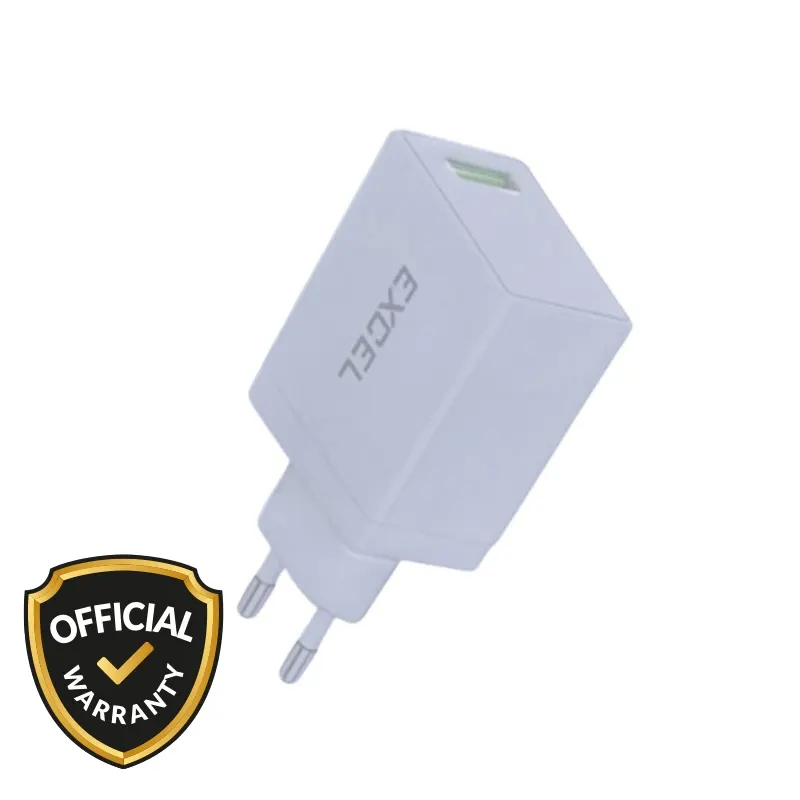
Official Bangladesh Samsung phones come with original Samsung chargers (25W model EP-TA800 or 45W model EP-TA845). Fake chargers have poor build quality and no certification marks.
Method 5: Visit Samsung Service Center
The most reliable method is to visit an authorized Samsung service center. They can instantly verify if your phone is official Bangladesh version.
Official Bangladesh Samsung Phones at mobile.com.bd
Samsung Galaxy A06 - Official Bangladesh Version
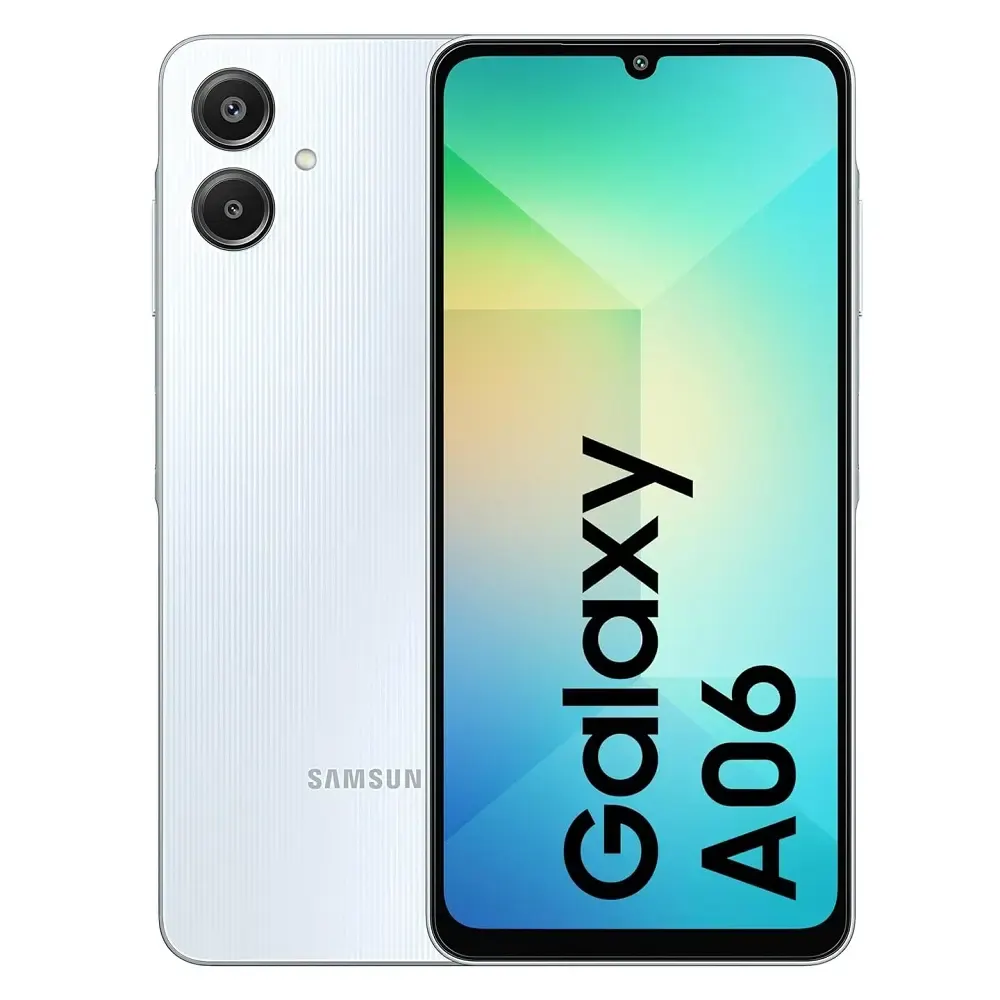
Price: 14,499 BDT
Official Bangladesh version with valid CSC code. 1-year Samsung Bangladesh warranty.
Samsung Galaxy A16 5G - Official Bangladesh Version
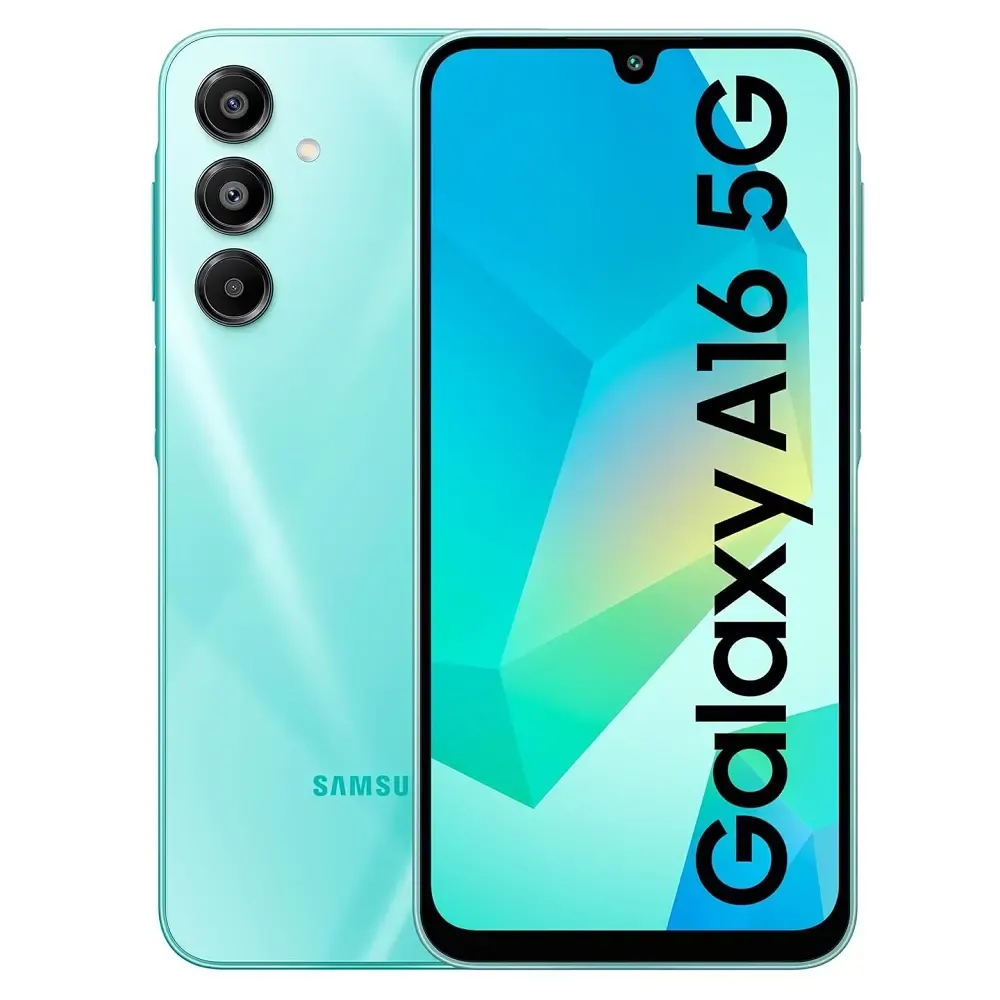
Price: 24,999 BDT
Official Bangladesh version. Valid IMEI for Samsung warranty check.
Quick Verification Checklist
| Check Item | Official Bangladesh | Grey Market | CSC Code | Ends with BGD | Other country code | Samsung Members App | Full functionality | Limited or not working | Warranty Check Online | Shows warranty status | Invalid or no warranty | Service Center Access | Yes, nationwide | No |
|---|
Frequently Asked Questions
Question 1: What is CSC code for Bangladesh Samsung phones?
Answer: Official Bangladesh Samsung phones have CSC codes ending with "BGD".
Question 2: Can I change CSC code on a grey market phone?
Answer: Changing CSC requires advanced technical knowledge and may void any existing warranty.
Question 3: Does mobile.com.bd sell official Bangladesh Samsung phones?
Answer: Yes, 100% official Bangladesh version with valid CSC and warranty.