
Best Mobile Phone for Remote Work in Bangladesh 2026 - Zoom, Teams, Google Meet
Best Mobile Phone for Remote Work in Bangladesh 2026 - Zoom, Teams, Google Meet
Remote work has become the new normal. Whether you are working from home or from a co-working space, you need a phone with a good front camera, long battery life, and reliable performance for video calls. This guide covers the best phones for remote work available at mobile.com.bd.
What Makes a Phone Great for Remote Work
- Good front camera (13MP or higher recommended)
- Clear microphone with noise cancellation
- Long battery life (5000 mAh minimum)
- Large, clear display for reading documents
- Reliable connectivity (5G preferred)
- Good processor for multitasking
- Samsung DeX or similar desktop mode
Top 3 Best Phones for Remote Work
1. Galaxy A56 5G - Best Overall for Remote Work
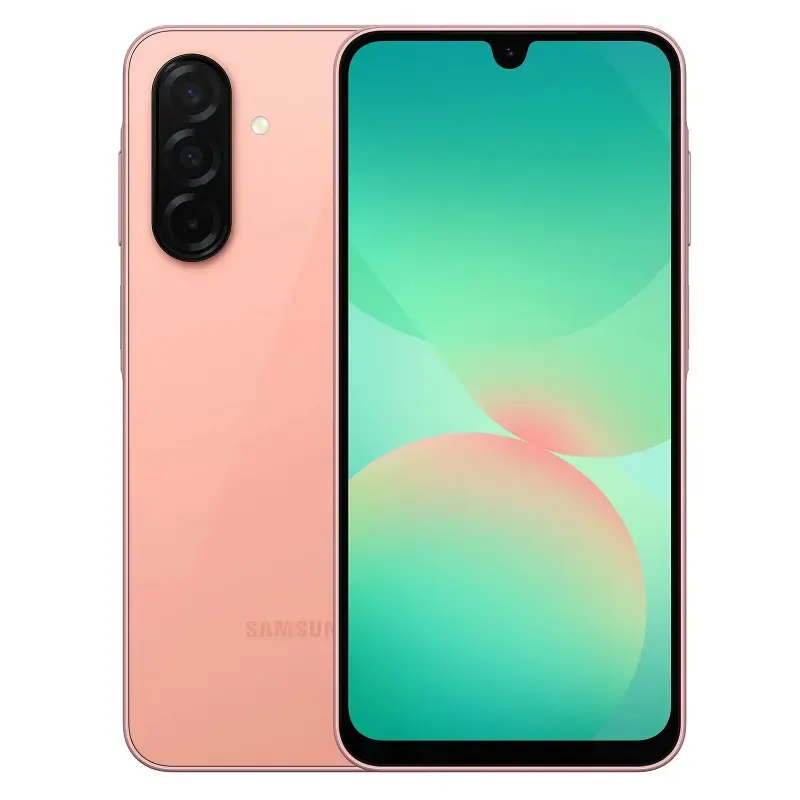
Price: 34,999 BDT
The Galaxy A56 5G features a 32MP 4K front camera, 5000 mAh battery, 6.7-inch Super AMOLED+ display, and Samsung DeX for desktop experience. Perfect for Zoom, Google Meet, and Microsoft Teams.
Key Features: 32MP 4K front camera, Samsung DeX, 5000 mAh battery
Buy Galaxy A56 5G for Remote Work ?
2. Samsung Galaxy A16 5G - Best Value for Remote Work
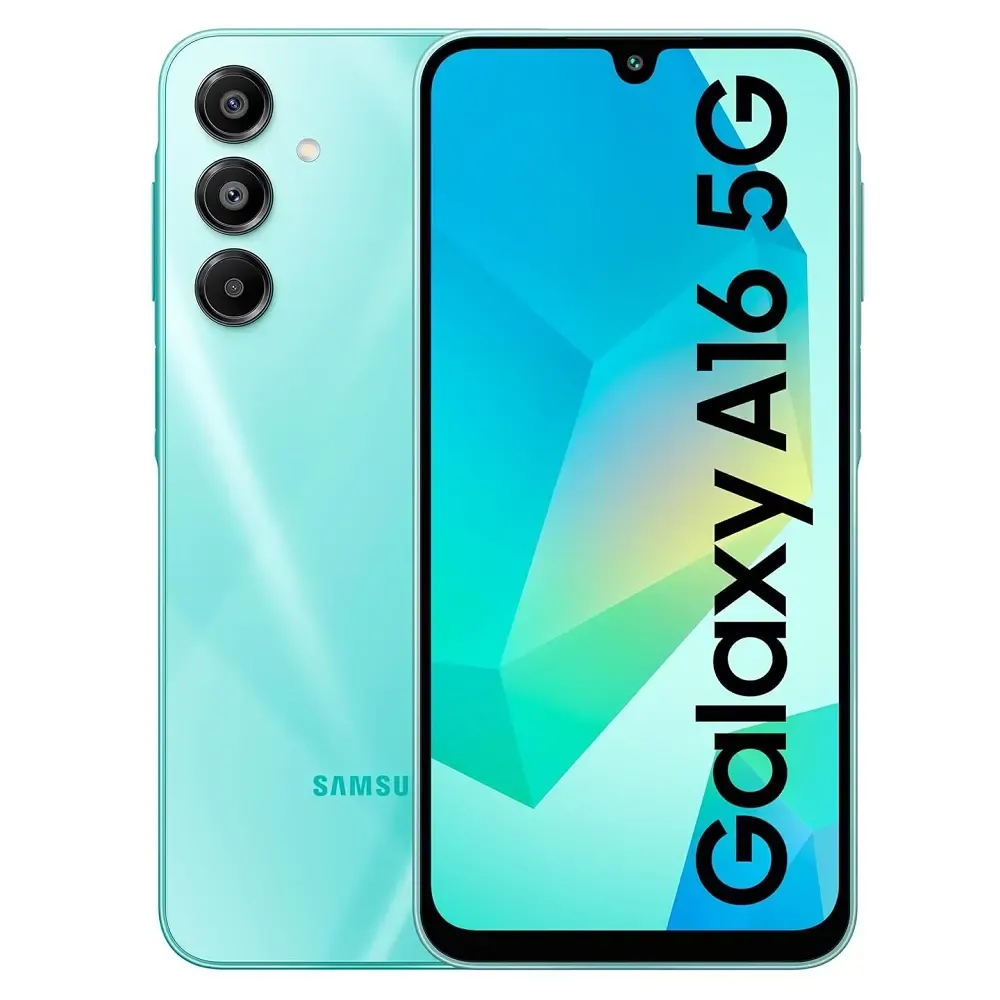
Price: 24,999 BDT
The Galaxy A16 5G offers a 13MP front camera, 5000 mAh battery, and Samsung Knox security. Great value for remote workers.
Buy Galaxy A16 5G for Remote Work ?
3. Galaxy S25 FE - Best Premium Remote Work Phone
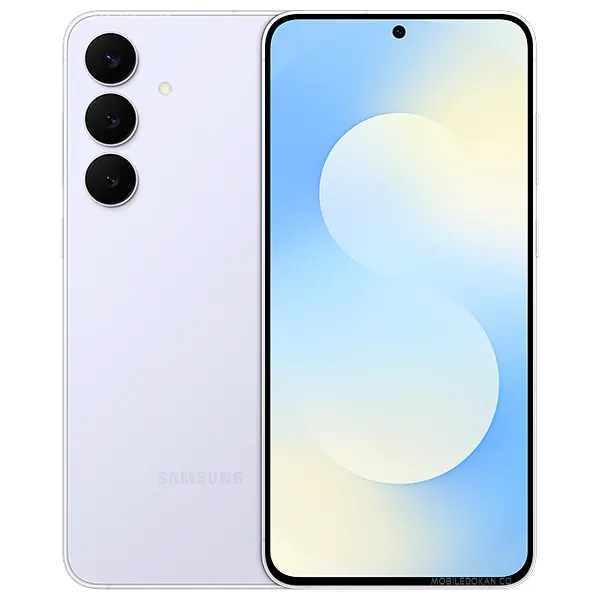
Price: 48,999 BDT
The Galaxy S25 FE offers a 32MP 4K front camera, IP68 water resistance, and Samsung DeX with 4 years OS updates.
Buy Galaxy S25 FE for Remote Work ?
Comparison Table for Remote Work
| Phone | Front Camera | Battery | DeX Support | Price | Buy Link | Galaxy A56 5G | 32MP 4K | 5000 mAh | Yes | 34,999 | Buy | Galaxy A16 5G | 13MP | 5000 mAh | No | 24,999 | Buy | Galaxy S25 FE | 32MP 4K | 4500 mAh | Yes | 48,999 | Buy |
|---|
Frequently Asked Questions
Question 1: Which phone has the best front camera for Zoom calls?
Answer: The Galaxy A56 5G with 32MP 4K front camera.
Question 2: Does Samsung DeX work with any monitor?
Answer: Yes, you need a USB-C to HDMI cable or a USB-C hub.