
Best Mobile Phone for Kids in Bangladesh 2026 - Safe Phones with Parental Controls
Best Mobile Phone for Kids in Bangladesh 2026 - Safe Phones with Parental Controls
Giving your child their first smartphone is a big decision. You want a phone that is affordable, durable, and safe with good parental controls. This guide covers the best phones for kids available at mobile.com.bd.
What to Look for in a Kids' Phone
- Affordable price (under 15,000 BDT)
- Durable build (can survive drops)
- Parental control features
- Limited access to apps and internet
- Long battery life
- Good size for small hands
Top 2 Best Phones for Kids
1. Infinix Smart 10 - Best Overall for Kids
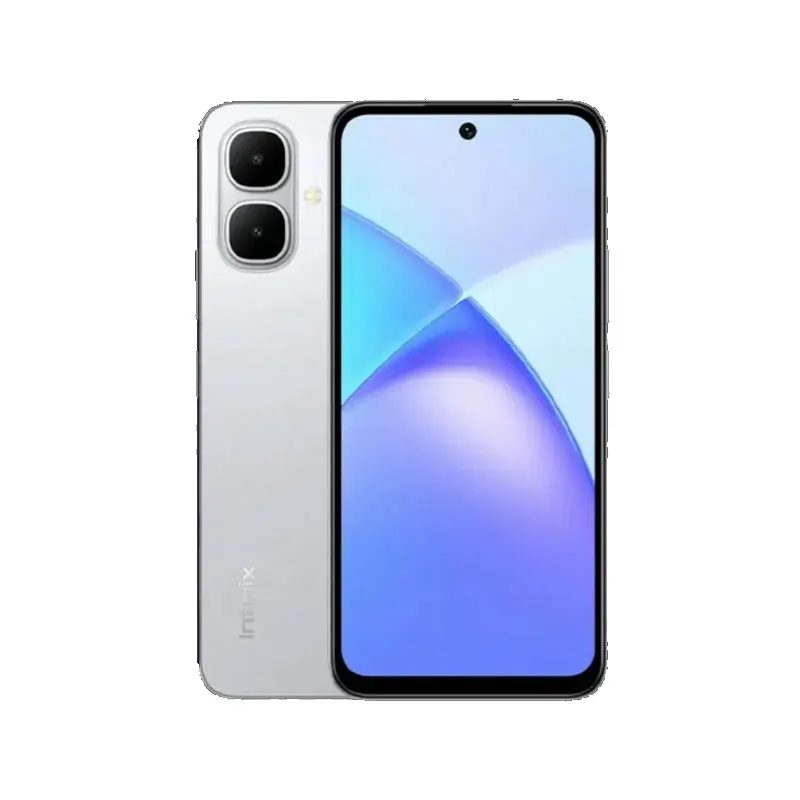
Price: 12,499 BDT
The Infinix Smart 10 is the best phone for kids. It features a 90Hz display, 5000 mAh battery, and durable build. Google Family Link allows parents to set screen time limits, approve apps, and track location.
Key Features: 90Hz display, 5000 mAh battery, Google Family Link support
Buy Infinix Smart 10 for Kids ?
2. Samsung Galaxy A06 - Best with Samsung Kids Mode
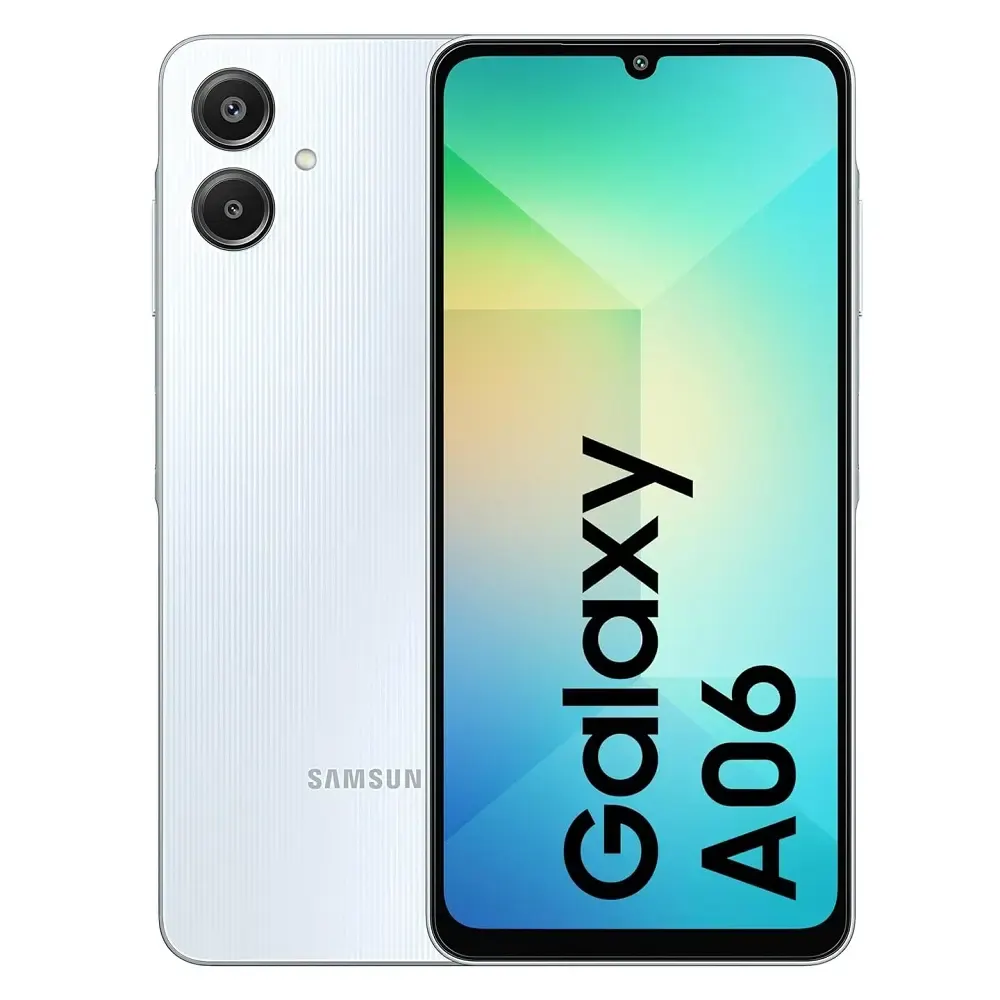
Price: 14,499 BDT
The Galaxy A06 offers Samsung's built-in Kids Mode which creates a separate, child-friendly interface. Parents can control which apps are accessible and set time limits.
How to Set Up Parental Controls
Google Family Link (Works on Any Android Phone)
Step 1: Install Google Family Link on your phone and your child's phone.
Step 2: Link your child's Google account to your account.
Step 3: Set screen time limits (e.g., 2 hours per day).
Step 4: Approve or block apps before they can be installed.
Samsung Kids Mode (Samsung Only)
Step 1: Swipe down from the top of the screen.
Step 2: Tap on the "Kids Mode" icon.
Step 3: Set a PIN that your child doesn't know.
Step 4: Choose which apps are available in Kids Mode.
Frequently Asked Questions
Question 1: At what age should I give my child a smartphone?
Answer: Most experts recommend waiting until at least age 11-12.
Question 2: Which phone has the best parental controls?
Answer: Samsung Galaxy phones with Samsung Kids Mode combined with Google Family Link.